Key Features to Look for in a TMS Tool
- July 16, 2025· Article by Maria Jones
- tms tool , tms translation
Comparing translation management systems can feel overwhelming. Every vendor lists dozens of features, and many of them sound impressive without being relevant to your daily work. A good TMS tool is not the one with the longest list, but the one that supports your actual process. This checklist helps you separate essentials from extras.
Start with your workflow, not the feature list
Before looking at products, map how content currently moves from source to delivery. Note who is involved, which formats you handle and where delays occur. Features that solve those specific problems deserve priority, while others can be ignored, no matter how attractive they appear in a demonstration.
A strong editing environment
Translators spend most of their time in the editor, so its quality affects everything. Look for a clear layout, easy tag handling, fast search and keyboard shortcuts. A slow or confusing editor frustrates linguists and increases errors, whereas a pleasant one improves speed and consistency.
Translation memory that scales
Memory is the foundation of savings. Check how matches are calculated, how repetitions are handled and whether memories can be shared among projects and teams. An overview of tms tool capabilities shows how memory should behave in a modern platform and what to compare between vendors.
Terminology and glossary management
Consistent wording protects your brand. Ensure the system includes an integrated termbase with approved, forbidden and preferred terms, plus definitions and usage notes. Terms should appear inside the editor automatically so translators never have to search for them in separate documents.
Managing glossaries well
The way glossary entries are created, reviewed and exchanged matters as much as the feature itself. A practical article on glossary management describes methods to keep terms accurate as products evolve and teams grow.
Workflow automation
Automation reduces repetitive work. Useful capabilities include automatic file analysis, rule based task assignment, reminders and status changes. The more routine steps the system handles, the more time project managers have for solving problems and communicating with clients and linguists.
Quality assurance tools
Look for automated checks on numbers, tags, terminology and consistency, along with a structured review process. Reviewers should be able to comment, correct and approve inside the tool. Reports that summarise quality trends help you improve vendors and processes over time.
Integrations and open interfaces
Your TMS rarely works alone. Check for connectors to content management systems, code repositories and support platforms, as well as an open interface for custom links. Good integrations remove manual exports and keep translations synchronised with your sources.
Security and access control
Ask how data is stored, who can see it and how access is managed. Role based permissions, activity logs and secure authentication are standard expectations. Clear security documentation also helps your compliance team approve the purchase more quickly.
Reporting and analytics
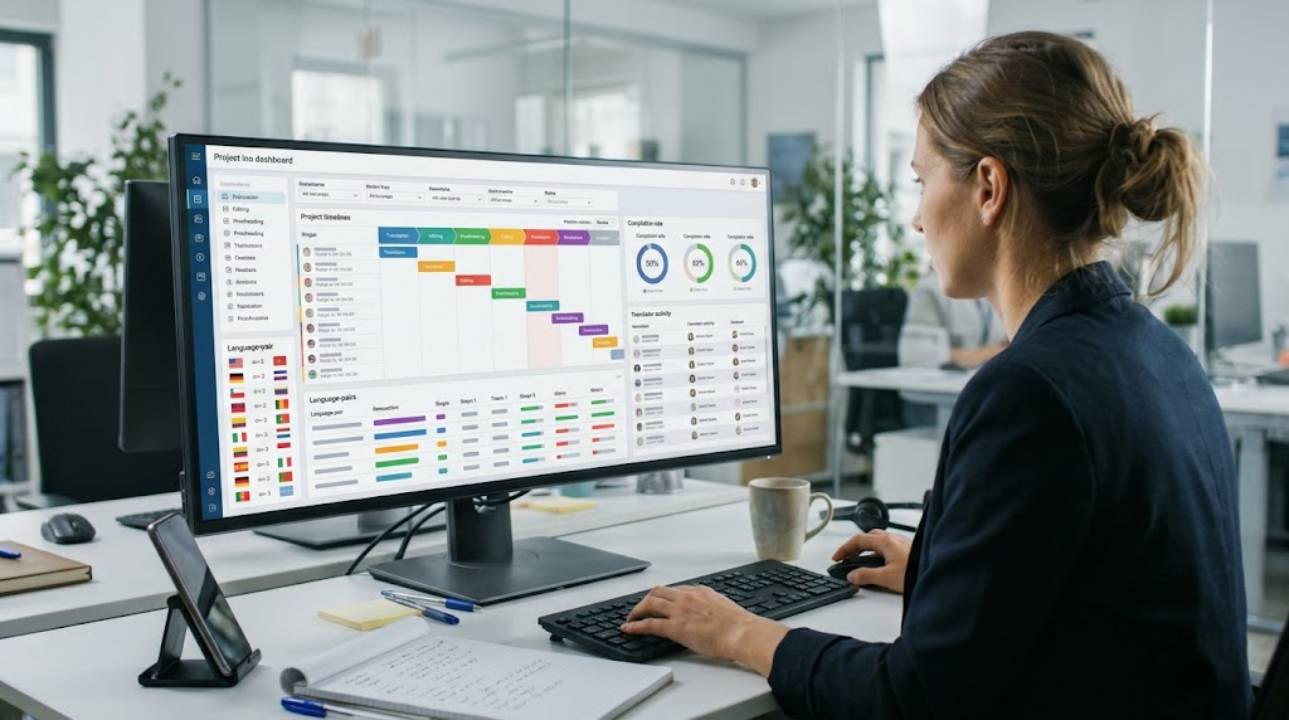
Useful reports show volume, reuse, cost, turnaround time and vendor performance. Dashboards that update automatically save hours of manual spreadsheet work and provide evidence for budget discussions. Flexible filters let you analyse results by client, language or period.
Standards and compatibility
Support for exchange standards prevents lock-in and makes collaboration easier. The ISO standard for translation services, available from the ISO 17100 standard page, describes processes and competences that many organisations use as the foundation for quality requirements.
Support, training and pricing
Good support can matter more than a missing feature. Ask about response times, onboarding assistance and documentation. Compare pricing models carefully, including per user, per word and subscription options, and calculate the total yearly cost based on your own volume.
Testing before you commit
Request a trial and run a real project through the system. Involve project managers, linguists and reviewers, and ask each to note strengths and problems. Practical feedback from daily users is more reliable than any brochure and reveals whether the tool truly fits your team.
Planning the rollout
Prepare data migration, training and a timeline before signing. Move memories and glossaries first, then pilot with one team and expand. Set measurable goals, such as shorter turnaround or higher reuse, and review them after the first few months to confirm that the investment is paying off.
Avoiding common selection mistakes
Buyers sometimes choose based on price alone, ignore the opinions of linguists or underestimate migration effort. Each mistake leads to frustration after launch. Involving every stakeholder early, testing with real files and asking for references from similar companies greatly reduces the risk of disappointment.
Involving the whole team
Choose a small evaluation group that includes a project manager, a translator, a reviewer and someone from IT. Each will notice different strengths and weaknesses. Their combined feedback leads to a decision that the entire team can support, which makes adoption far smoother after purchase.
Final thoughts
The best TMS tool is the one your team will actually use every day. Focus on the editor, memory, terminology, automation and security, test with real projects and measure the results. A careful, evidence based choice leads to faster delivery, better consistency and lasting savings.